Plan, book, ticket. Done.
Tell us what you're planning. Edwadzi sets up the event page, your guest list or tickets, and the vendors you still need.
Free to start. What you typed here carries over.
Offer a service for events? Join as a vendor
akosua-and-kwame.edwadzi.com
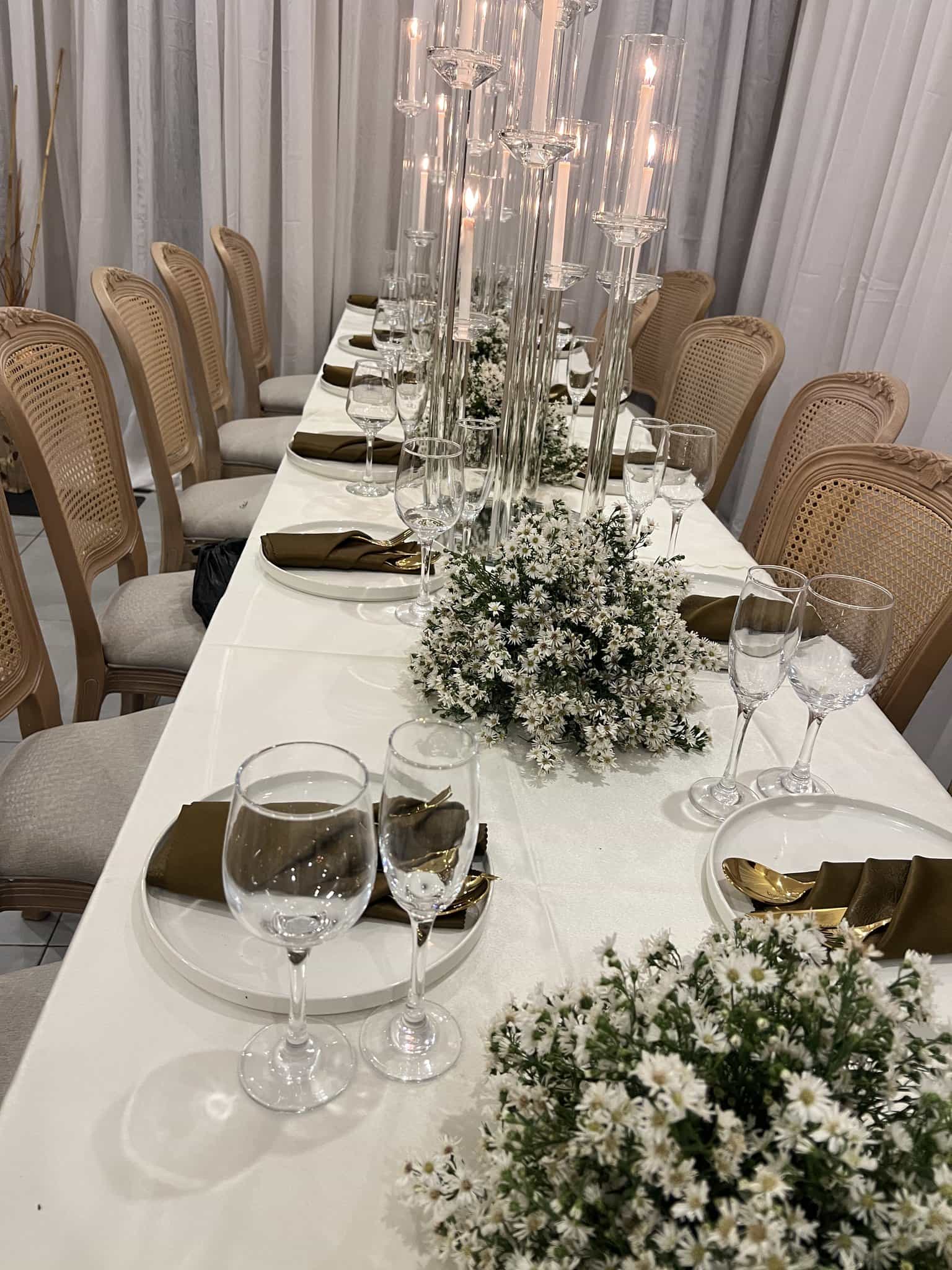
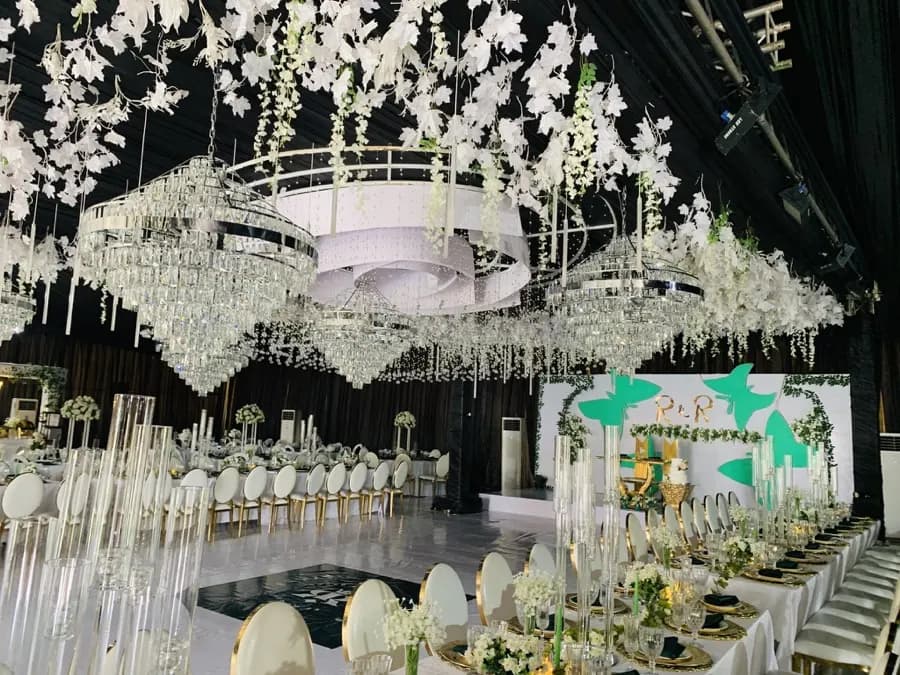
Still to book for this wedding: photography, catering, decor & styling, music & DJs and hair & makeup.
Find a vendor for every part of the day.
Browse by speciality. Vendors confirm their identity before taking bookings, and payments go through Edwadzi's secure checkout.







- Ask for a quoteSend a vendor your date, place and guest count.
- CompareEach vendor replies with a price. Put two vendors side by side before you choose.
- Book and payPay the deposit by mobile money, card or bank transfer.
Plan the whole event from your phone.
Your guest list, budget and programme in one place, shared with the people helping you plan.
Event Pro, a one-off upgrade for a single event, adds a guest camera: guests take photos on their phones and they land in one gallery.
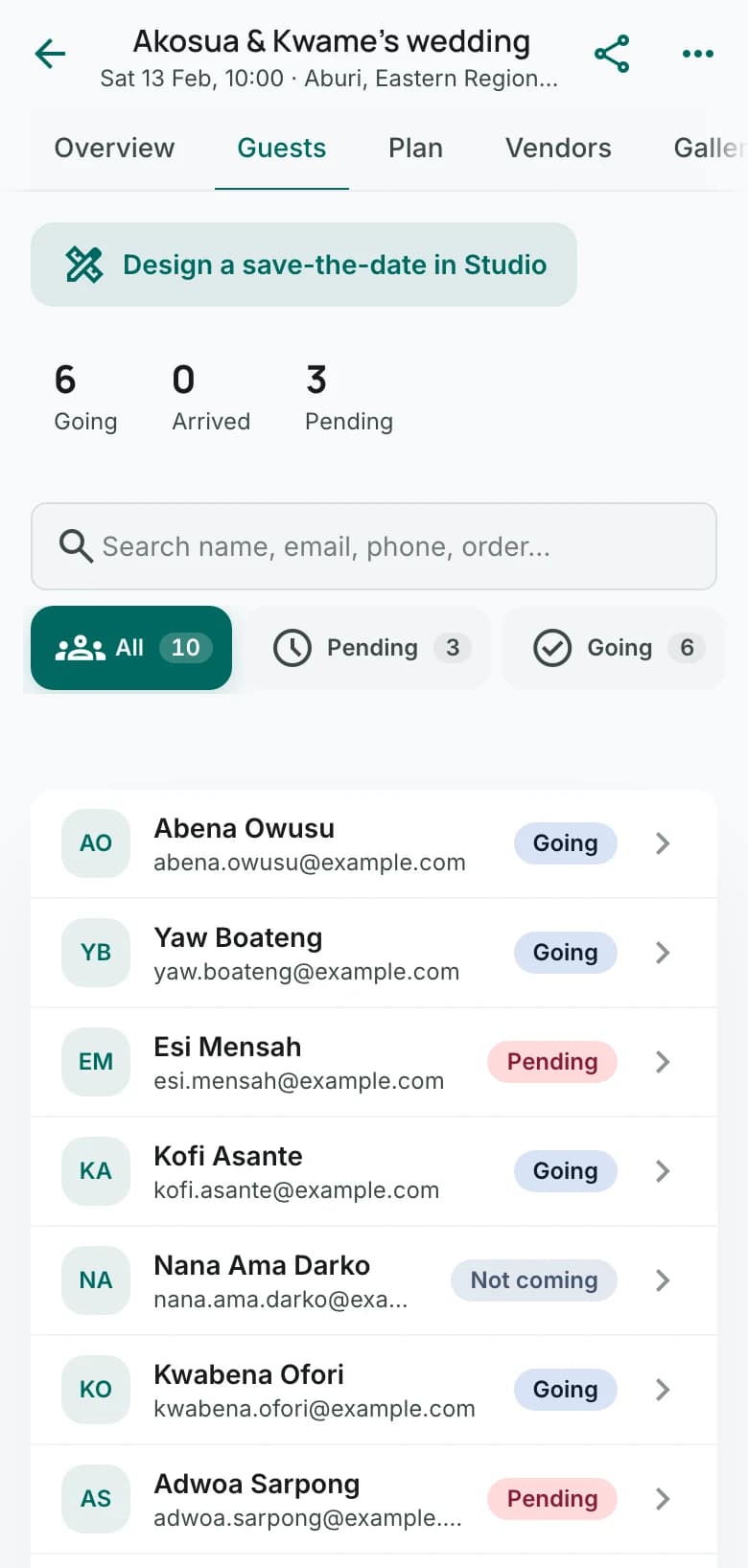
Guest list
Type names in or upload your list from Google Forms or Excel. Replies land in the same list.
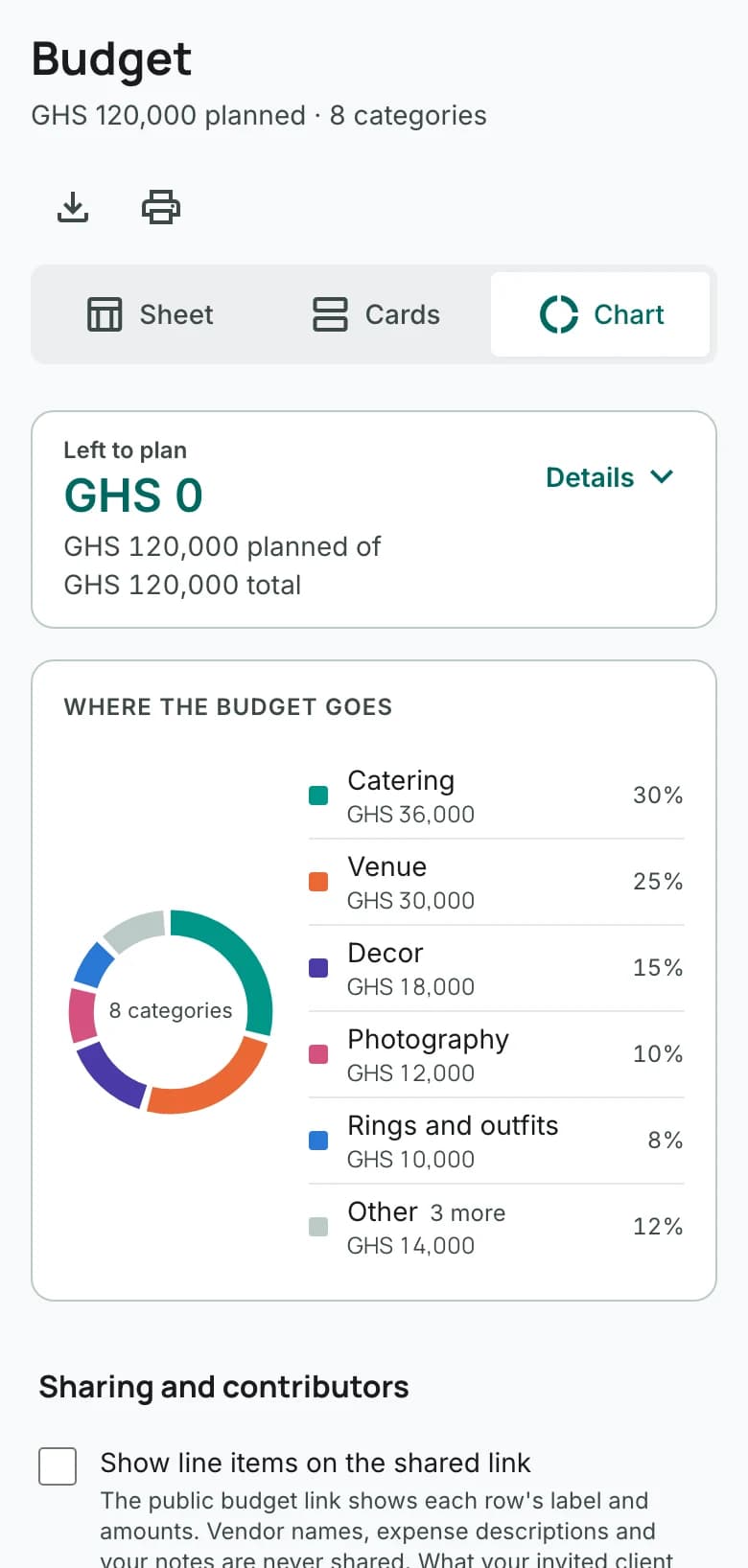
Budget
Set an amount for each line, then see what is booked and what is paid. Record each payment and who paid it.
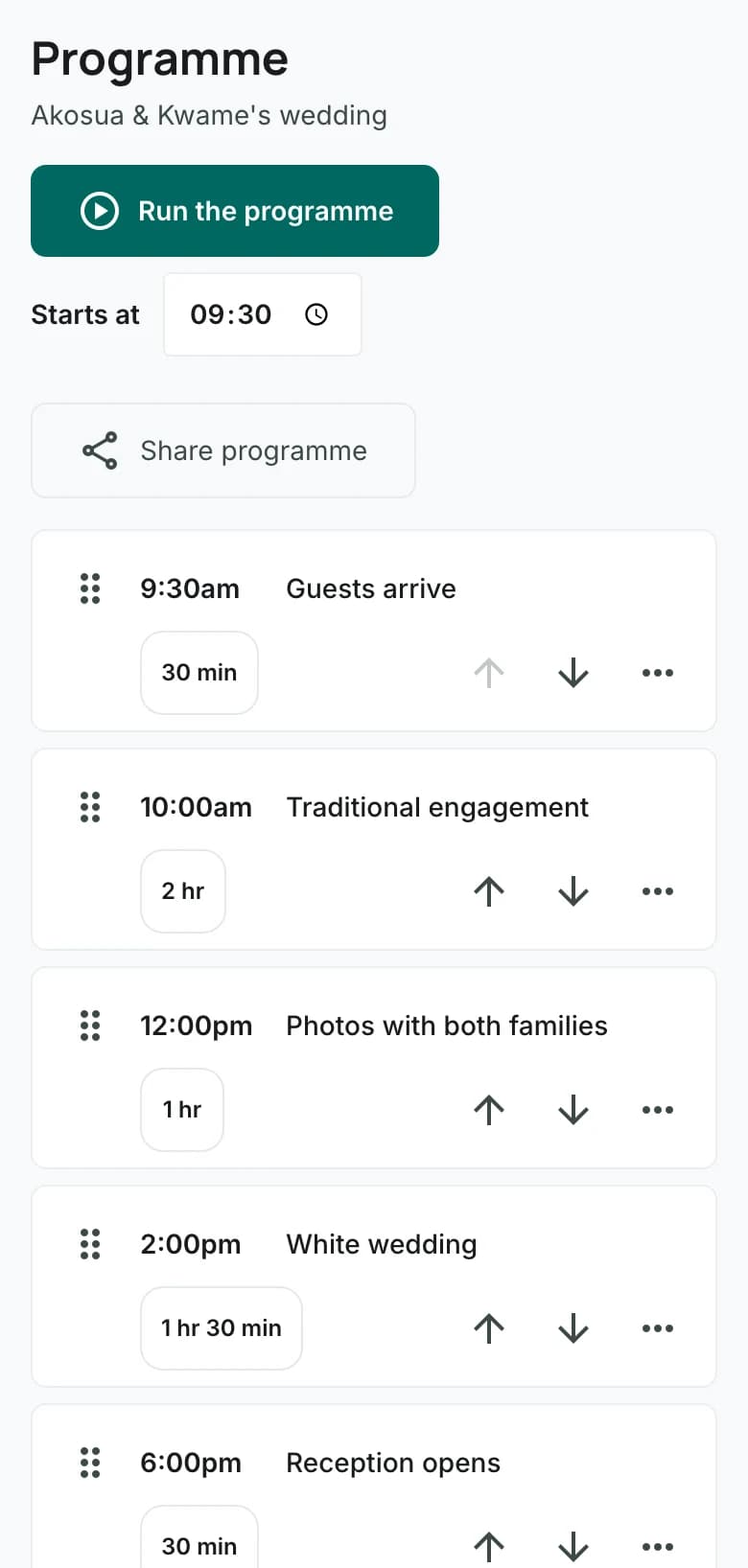
Programme
Put the day in order, then run it as it happens.

Sell tickets. Scan them at the door.
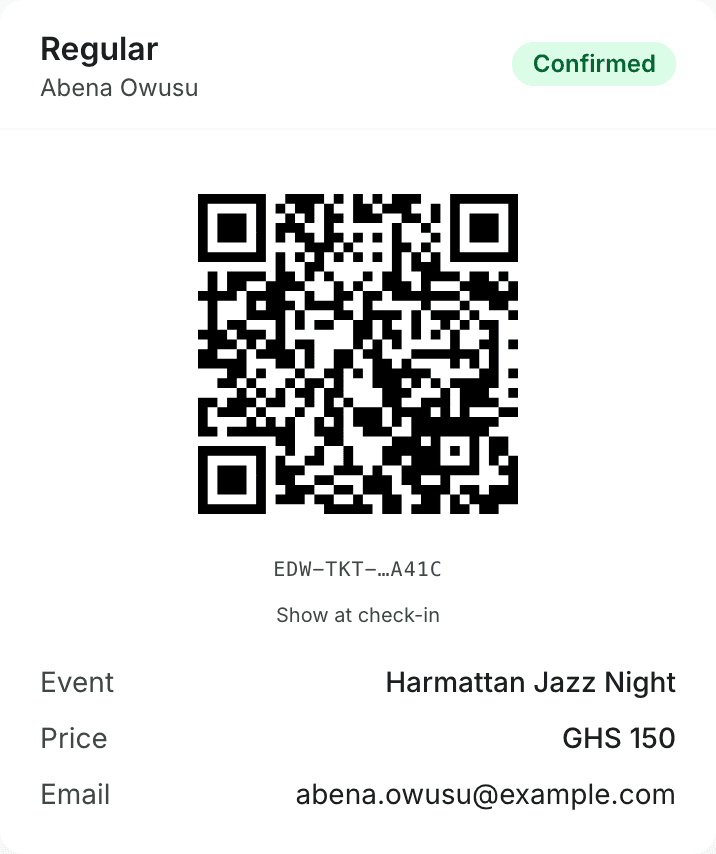
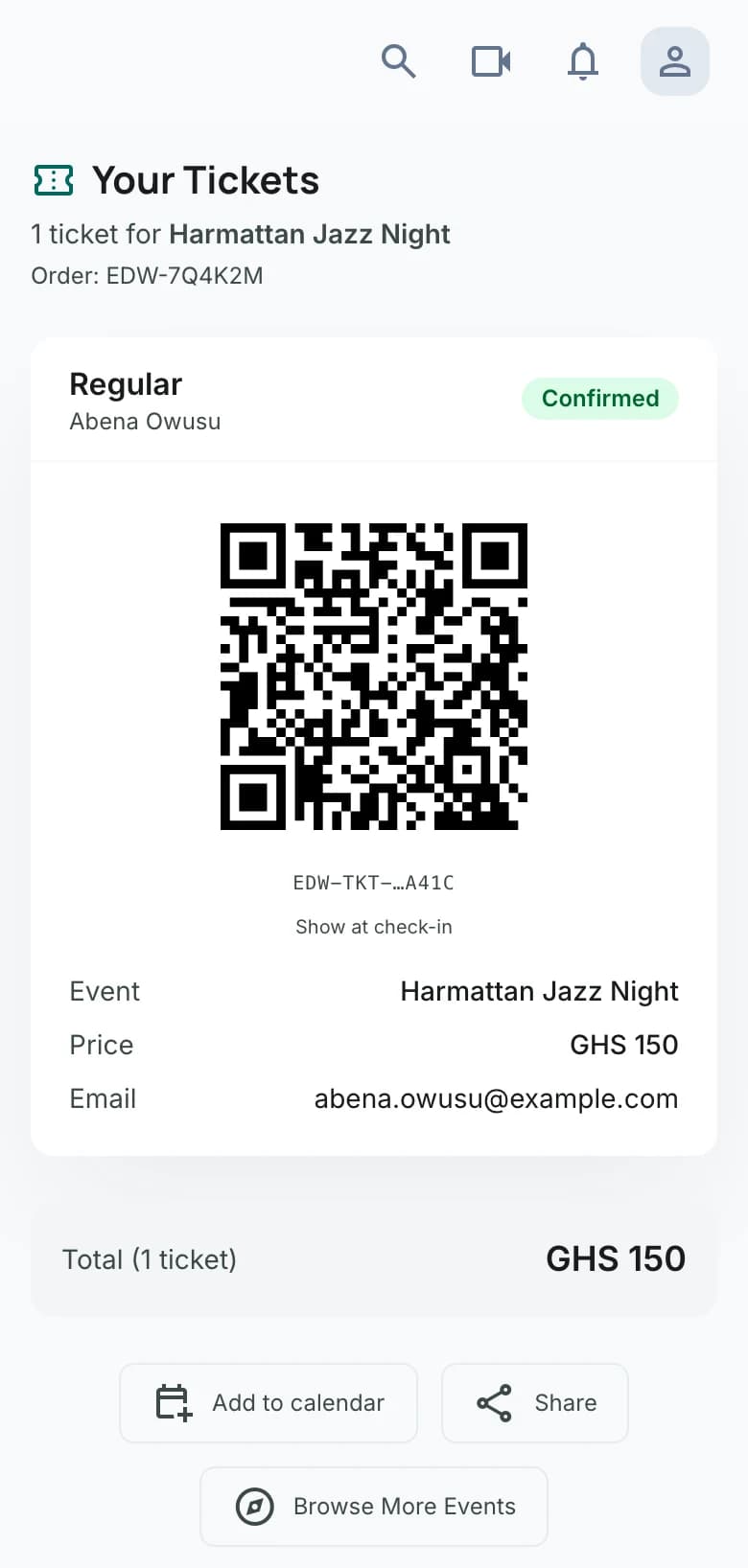
Free or paid tickets. Buyers pay by mobile money, card or bank transfer, and every ticket carries its own QR code.
- You keep the full ticket price.Fees are added at checkout, on top of the price you set.
- Check guests in at the door.Scan the QR code or find the name. Event Pro adds team scanning and ticket sales by USSD.
- Tickets can change hands.A buyer can send a ticket to someone else as a gift, until it is scanned at the door.
- Add voting to any event.Categories, nominees and a results page.
What's on
Events on Edwadzi and things to do this week.





 Daily, classes 11am to 4pmAccra Art District workshopsAccra Art DistrictGH₵100 to 650Photo: Accra Art District
 Daily, open from 10amBliss Family EntertainmentBliss Family EntertainmentFrom GH₵125Photo: Bliss Family Entertainment
Vendors: get found by people planning events.
List your business, answer quote requests and take bookings.
Show the look, then keep the day on track
Planners and decorators can build a moodboard or a storyboard from their own photos in Edwadzi Studio, then send it to the client on WhatsApp.
On the event plan every job has a due date, and the person doing it gets a reminder before it is due, in the app and by email.
Deliver the photos the way you shot them
Photographers and videographers send the client every photo and video as one link. It opens on their phone without an Edwadzi account, and the files come at full size.
Put a price on the set and it unlocks once they pay by mobile money, card or bank transfer. Until then your business name runs across every preview.
Every request and booking, by date
Quote requests arrive with the date, place and guest count. Reply with a price, then see every booked job by date.
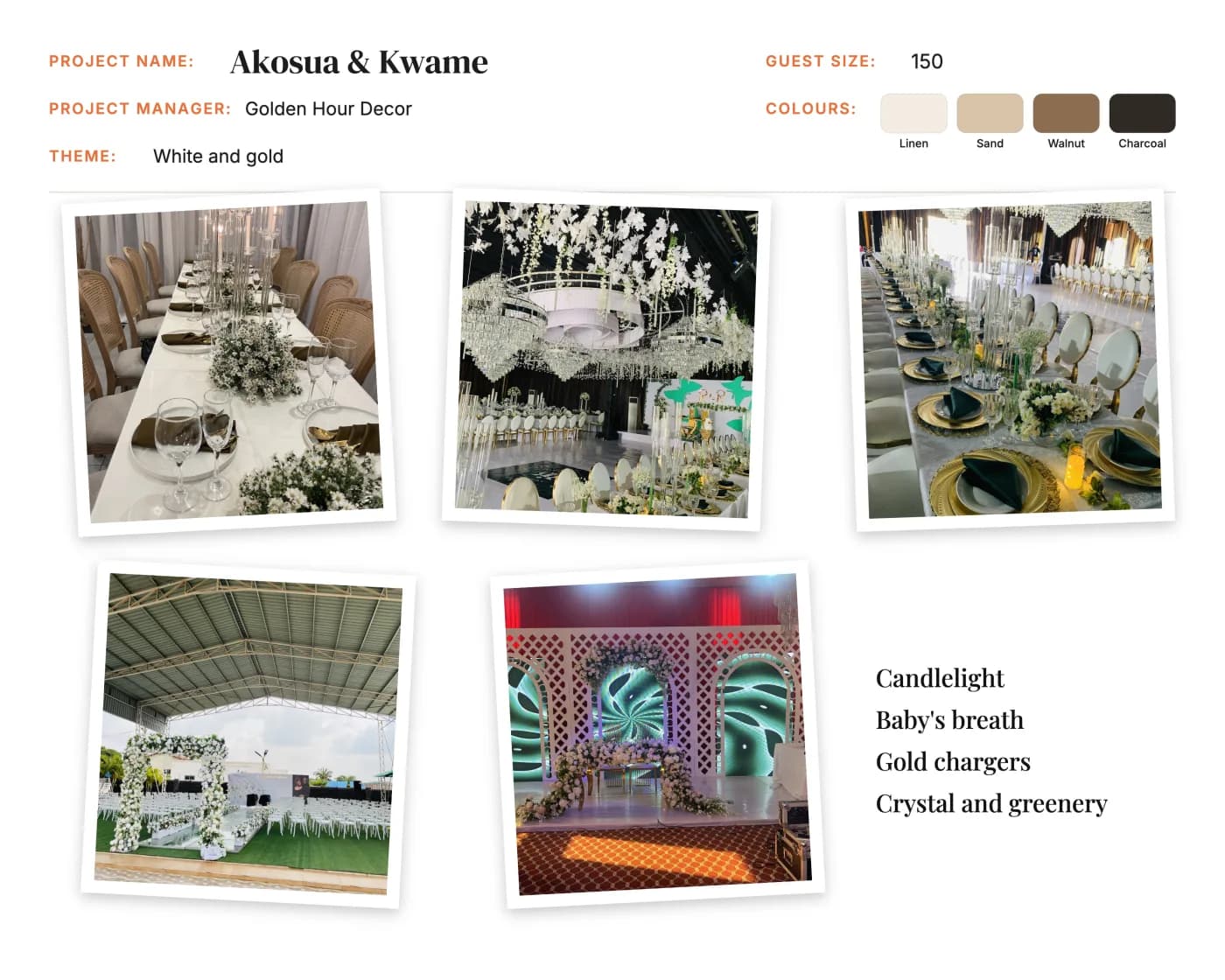
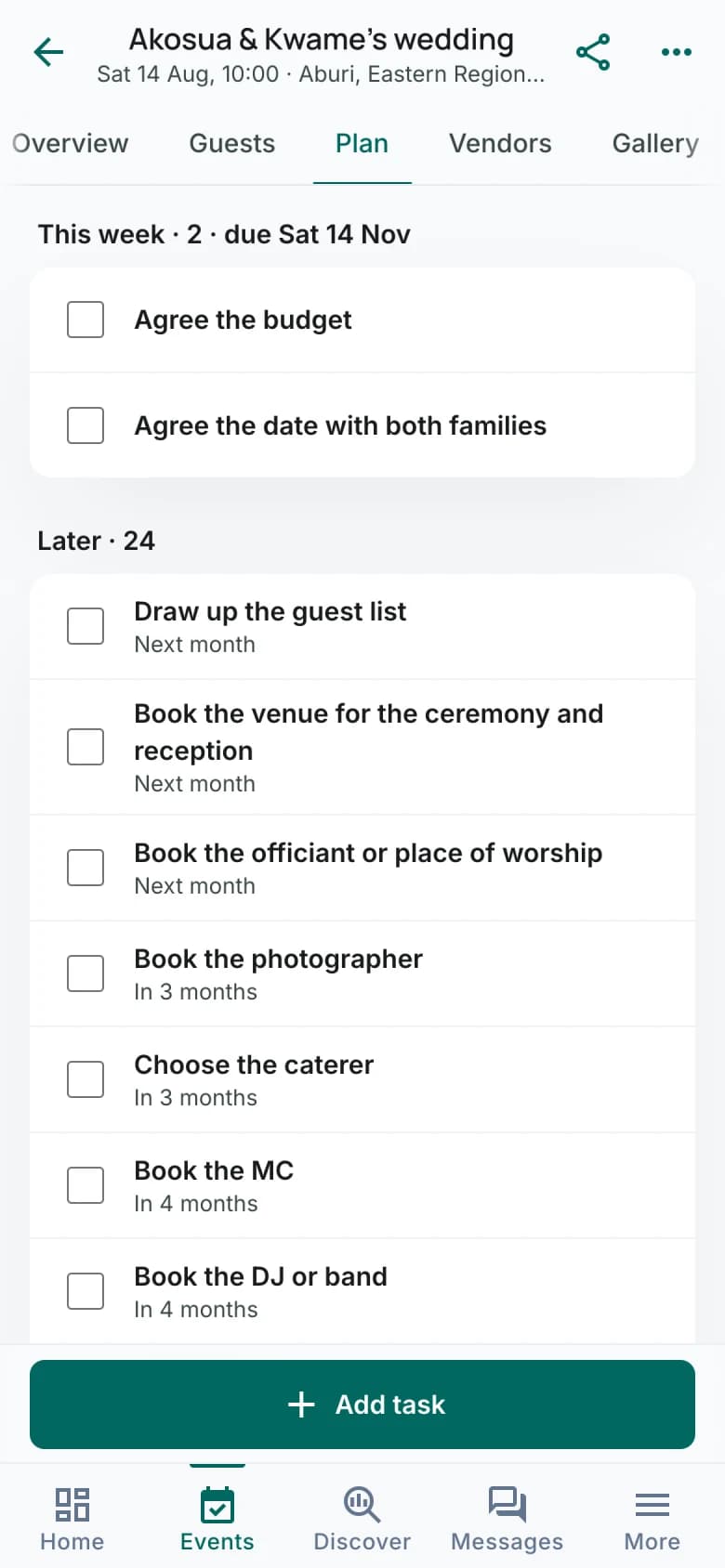
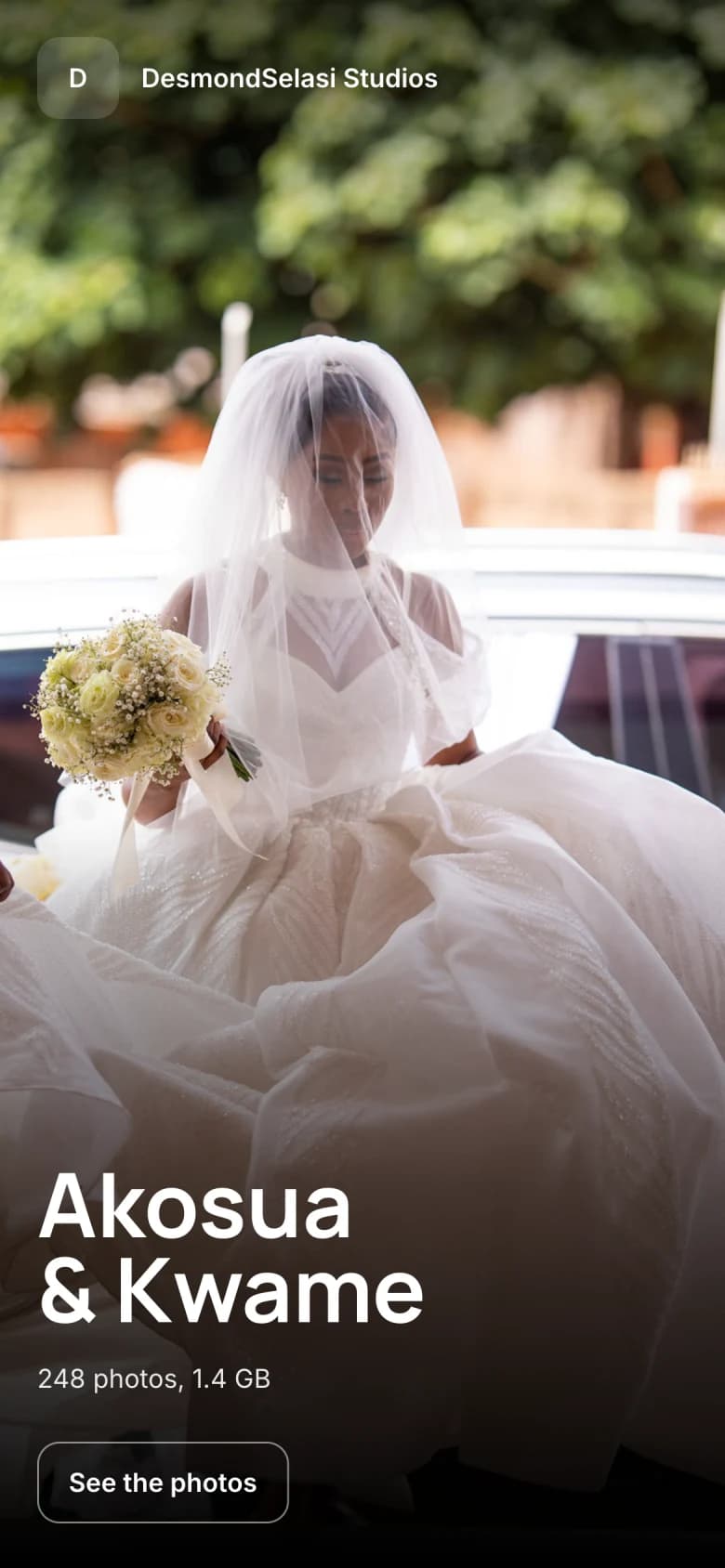
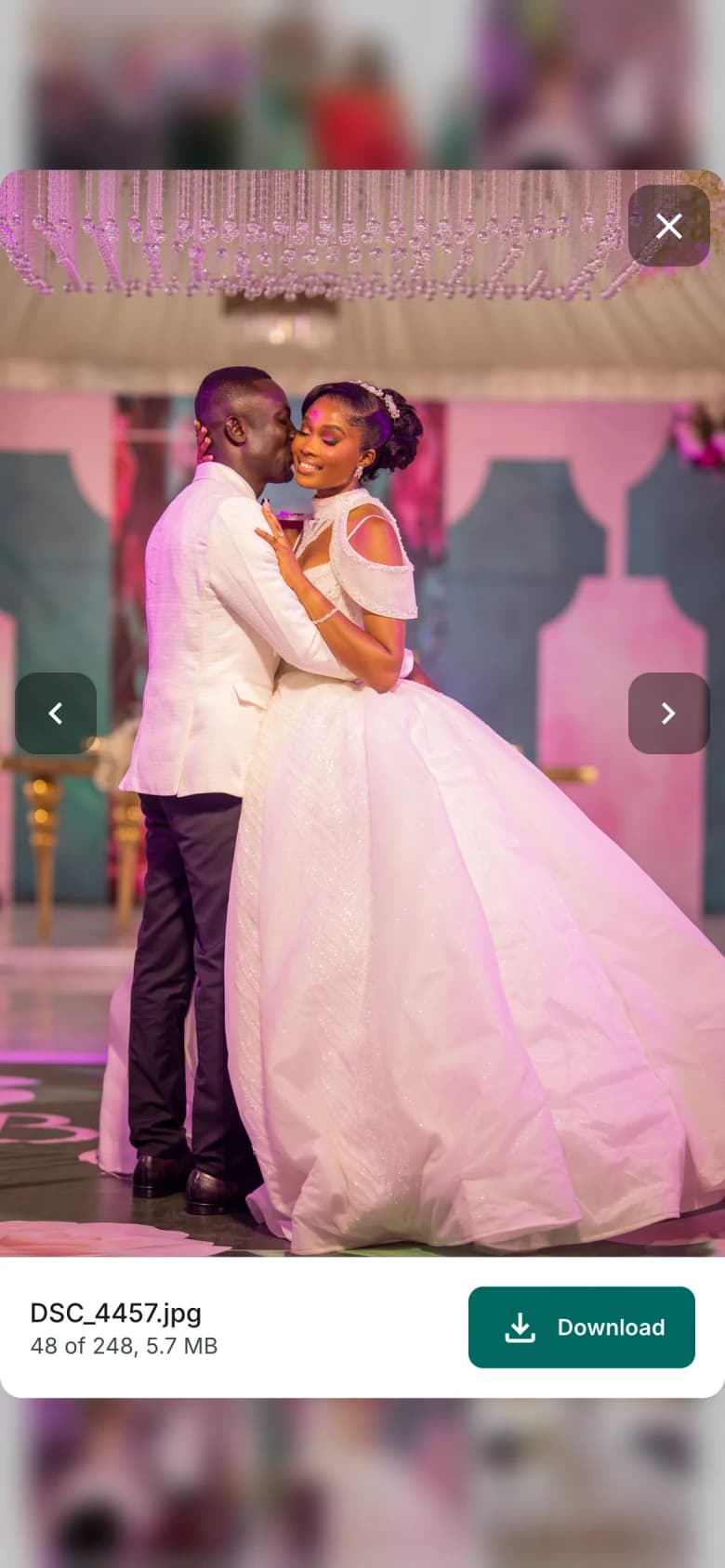
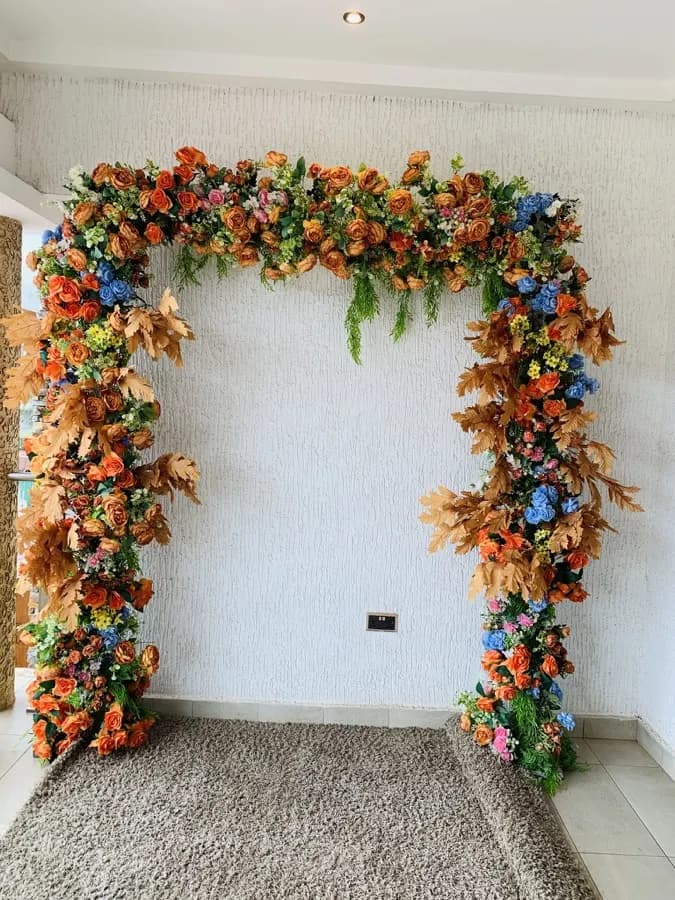
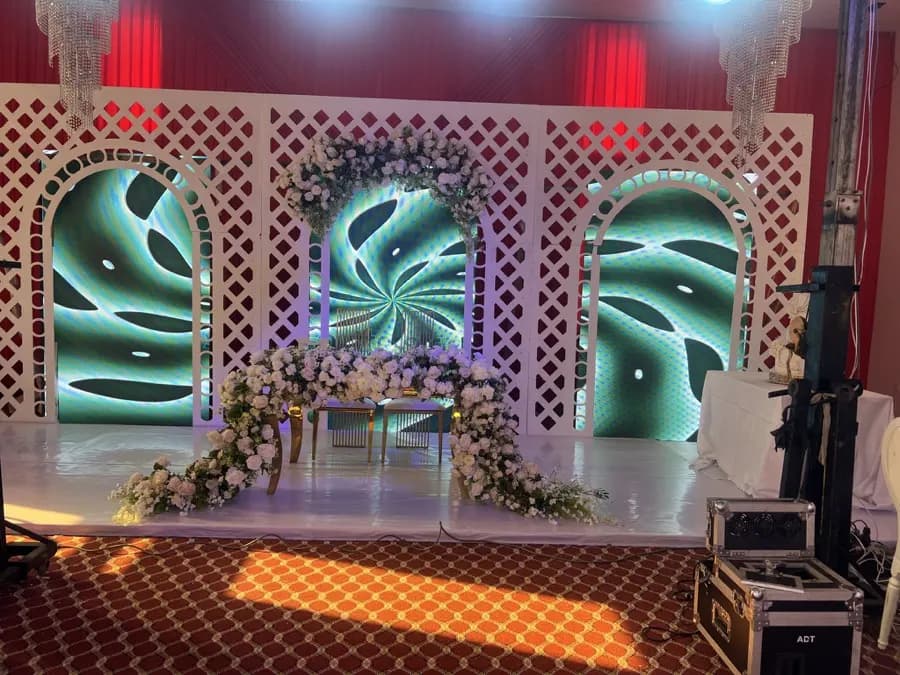
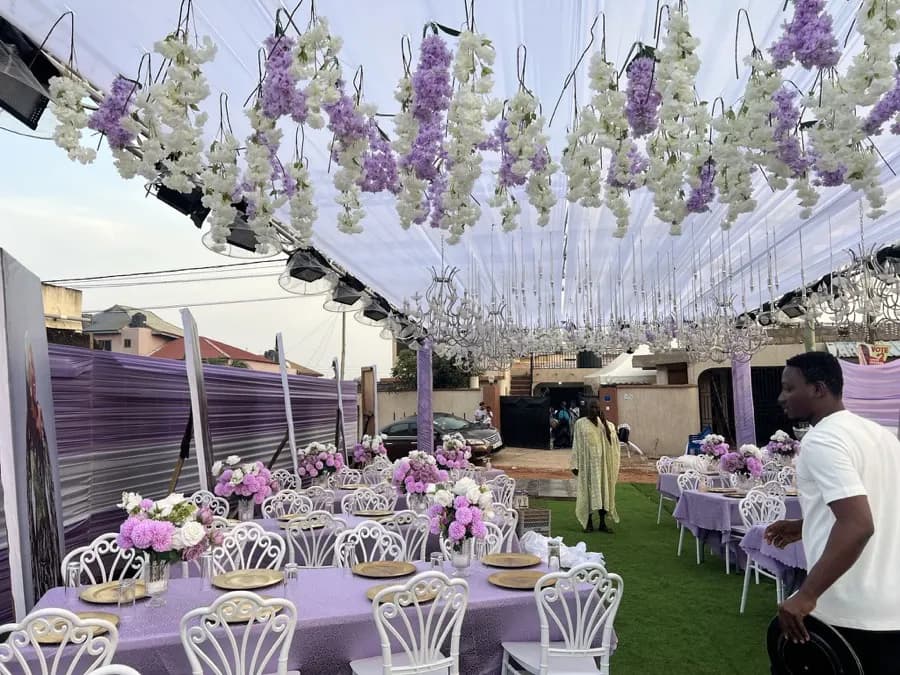
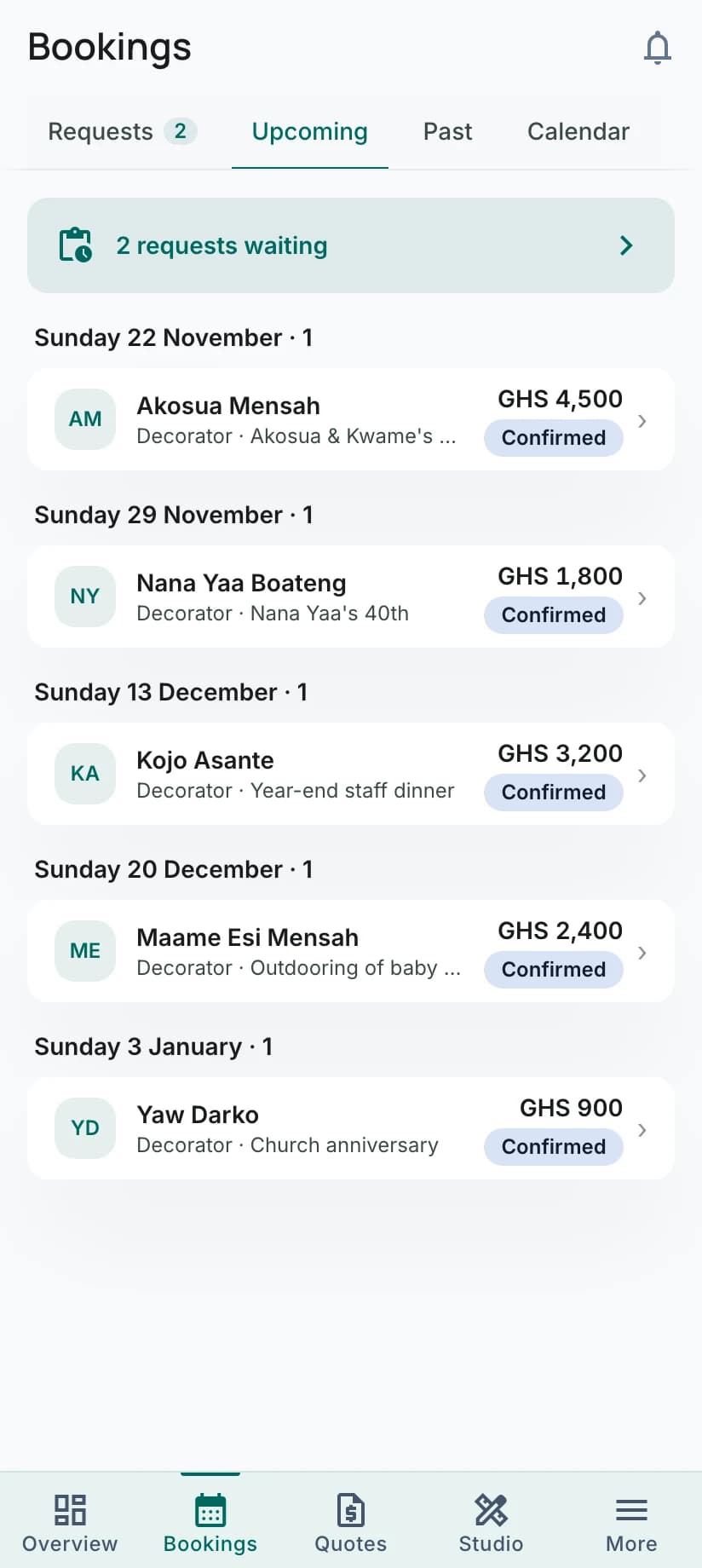
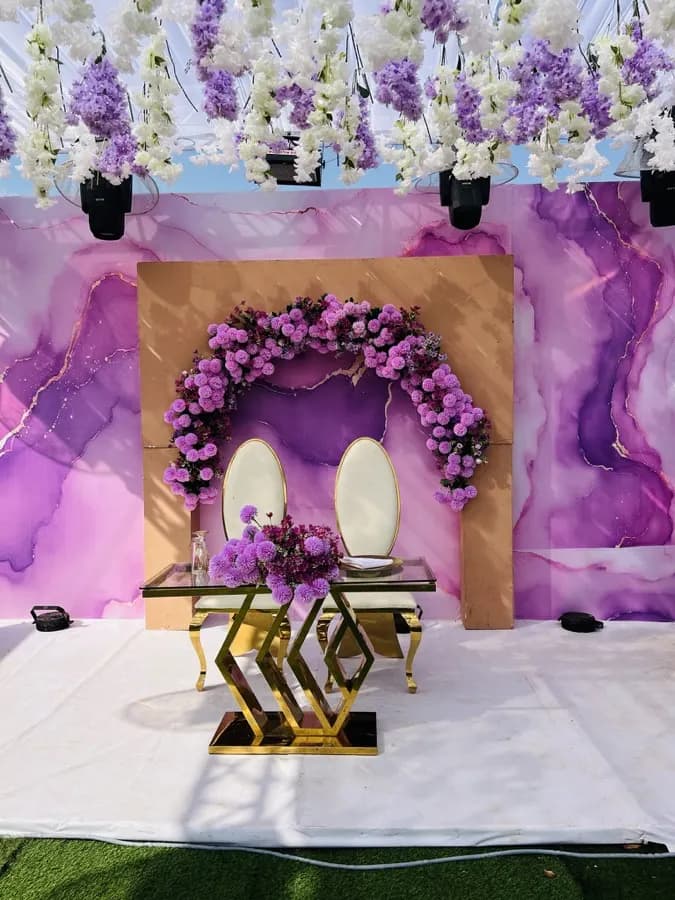
Photos by The Event Blue Print and DesmondSelasi Studios. Bookings and budget shown with sample figures.
Questions people ask first
FAQWhat is Edwadzi?
Edwadzi is a Ghana-based platform that connects event organisers with vendors (caterers, photographers, venues, DJs, decorators and more), runs ticket sales for events, and offers USSD ticket buying so attendees can buy tickets without a smartphone or data connection.
What does it cost to run an event on Edwadzi?
Creating an event is free. When you sell tickets, a small service fee and the payment processing fee are added on top of the ticket price at checkout, so you receive the full ticket price for each sale.
Which payment methods can I use?
Cards (Visa, Mastercard), mobile money (MTN MoMo, Telecel Cash, AT Money) and bank transfer. USSD ticket purchases are mobile-money only.
How do I list my services?
Tap 'Join as a vendor' (or 'Become a Vendor' in Settings if you already have an account). Add where you work, what you do, a starting price and your logo. You appear in search as soon as those are done. You verify your identity only before you accept a booking.
How do I get paid for a booking?
Clients pay through the platform when accepting your quote, in the stages you agree (for example a deposit, then the balance). Payments go to your payout account once your identity is verified. You get an email, SMS and in-app notification when a payment lands.
What if a vendor doesn't deliver?
If your payment for the booking is being held, use 'Report a problem' next to it on your Payments page; the held money stays frozen while support reviews it. Otherwise, open a support ticket. Either way the support team hears from both sides and decides, which can include a partial or full refund.
Start today. It's free to join.
Please reply
Creating an event is free. On paid tickets, the fees are added on top of your price at checkout.